Want to switch to a different chess.com or lichess.org username? It's simple! Whether you're on a desktop, tablet or mobile device, you can easily load a new player to analyze their games. To change the loaded player, look for the 'change username' button. On mobile devices, this might appear as a small icon:

On larger screens, the button might look like this:

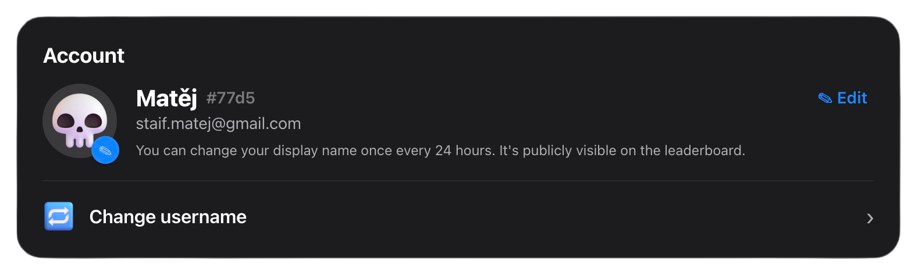
If you are signed in, you can also change your nickname or linked account by going to Settings and selecting the 'Change username' option:
Just click the button, type the new username, and you are ready to analyze!